

Performance reviews
A performance review in Admire isn’t a form you fill from memory. Because months of observations, notes, and role metrics are already on the person’s profile, the review is mostly summarizing a record that already exists, then agreeing on it together.
flowchart LR
  M["Meetings"] --> AI
  N["Notes"] --> AI
  O["Observations"] --> AI
  AI --> R["(Draft) Performance Review"]
  classDef ai font-size:30px,font-weight:bold;
  class AI ai;
Generate the summary
Section titled “Generate the summary”-
Gather the period’s evidence. Skill mastery, recent observations, wins and tasks, and metric trends all live on the profile.
-
Summarize it. Use the profile’s Summarize Progress action to turn the period’s progress into a snapshot, or ask your connected AI: over MCP it can read the same observations and draft the review for you.
-
Edit to taste. The draft is a starting point. Adjust the emphasis, add context only you know, and you have a review grounded in evidence rather than impressions.
Sign off in a Meeting
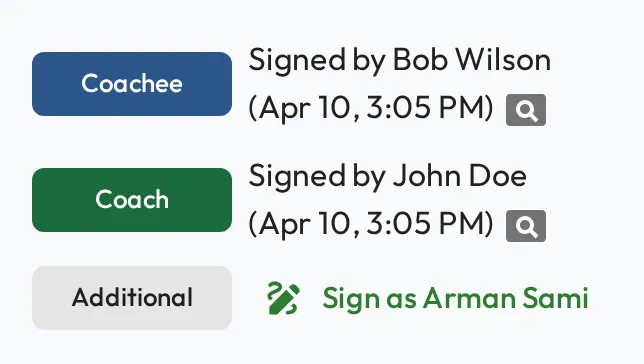
Section titled “Sign off in a Meeting”Hold the review itself as a Meeting. Walk through the summary together, then both people add a digital signature to confirm the review took place and the record is agreed. The signatures stay on the record.
If something needs to change after sign-off, you can reopen the Meeting and re-sign. For formal, skills-based improvement tracking, see Improvement plans.