Relationships
Relationships capture who coaches whom. Assigning a Coach and Coachee is more than a label: it’s what grants coaching access and powers the one-click shortcuts on the dashboard.
Setting up a relationship
Section titled “Setting up a relationship”You assign relationships in two places:
- On a person’s profile: set their coach (and/or the people they coach) directly.
- On the Teams page: wire up coaching connections across a team as you build out its structure.
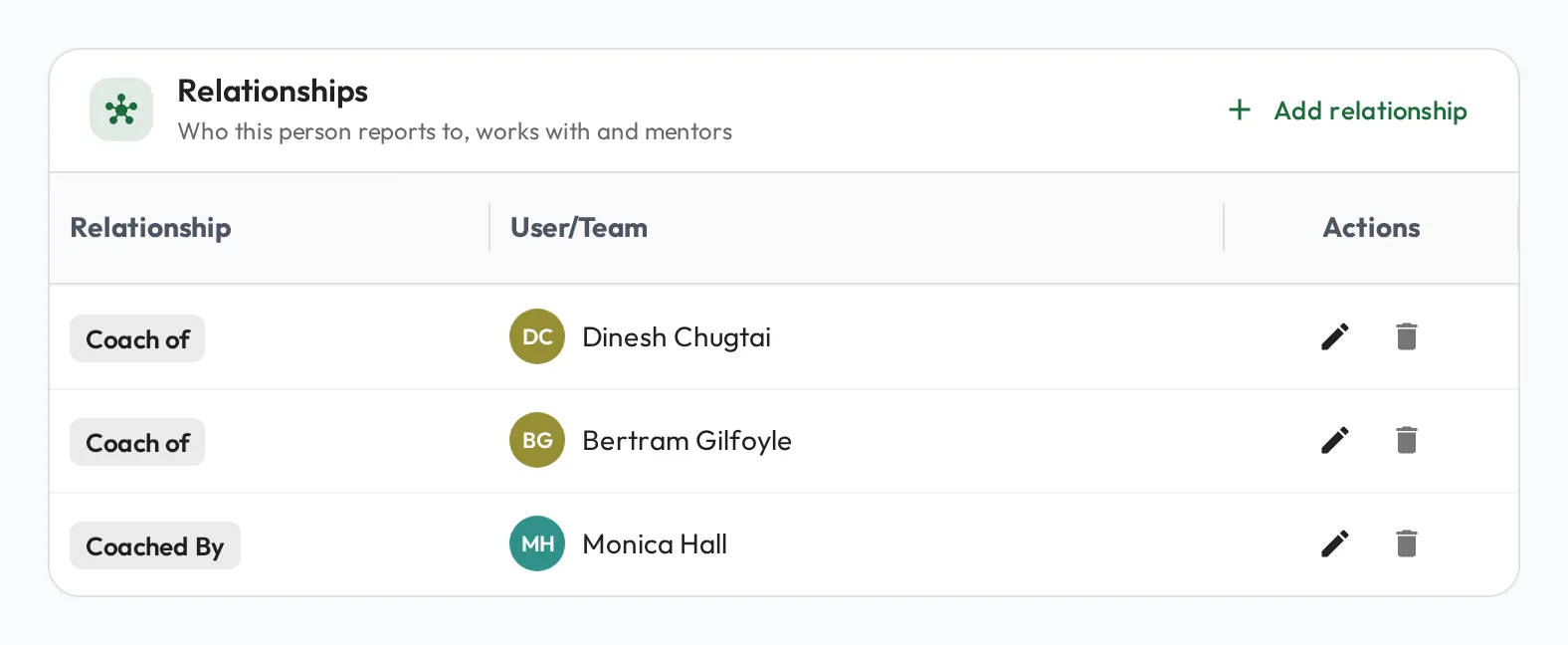
Each relationship has two sides, Coach of and Coached by, so the same link reads correctly from either person’s point of view.
Why relationships matter
Section titled “Why relationships matter”Setting a relationship has real implications beyond organization:
- Permissions are bound to relationships. Being someone’s coach is what gives you access to coach them: to run their Meetings, record observations, and see their development. You don’t manage these grants separately; the relationship carries them (see Users & permissions for how access is determined overall).
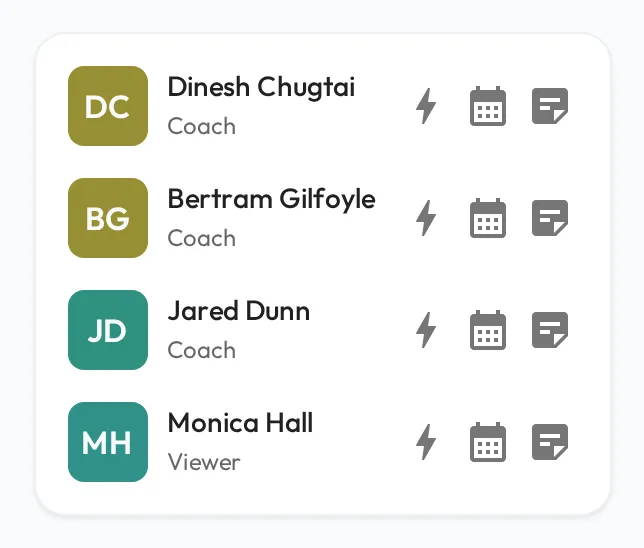
- Dashboard shortcuts for your immediate relationships. Everyone you directly coach (or are coached by) appears on your dashboard with quick actions: start a meeting in one click and jot a quick note, so day-to-day coaching takes seconds, not clicks through menus.