

AI Coaches
Beyond the built-in AI Coaching experience, your organization can create its own AI Coaches: custom coaches with guidance tailored to how you work.
Creating a coach
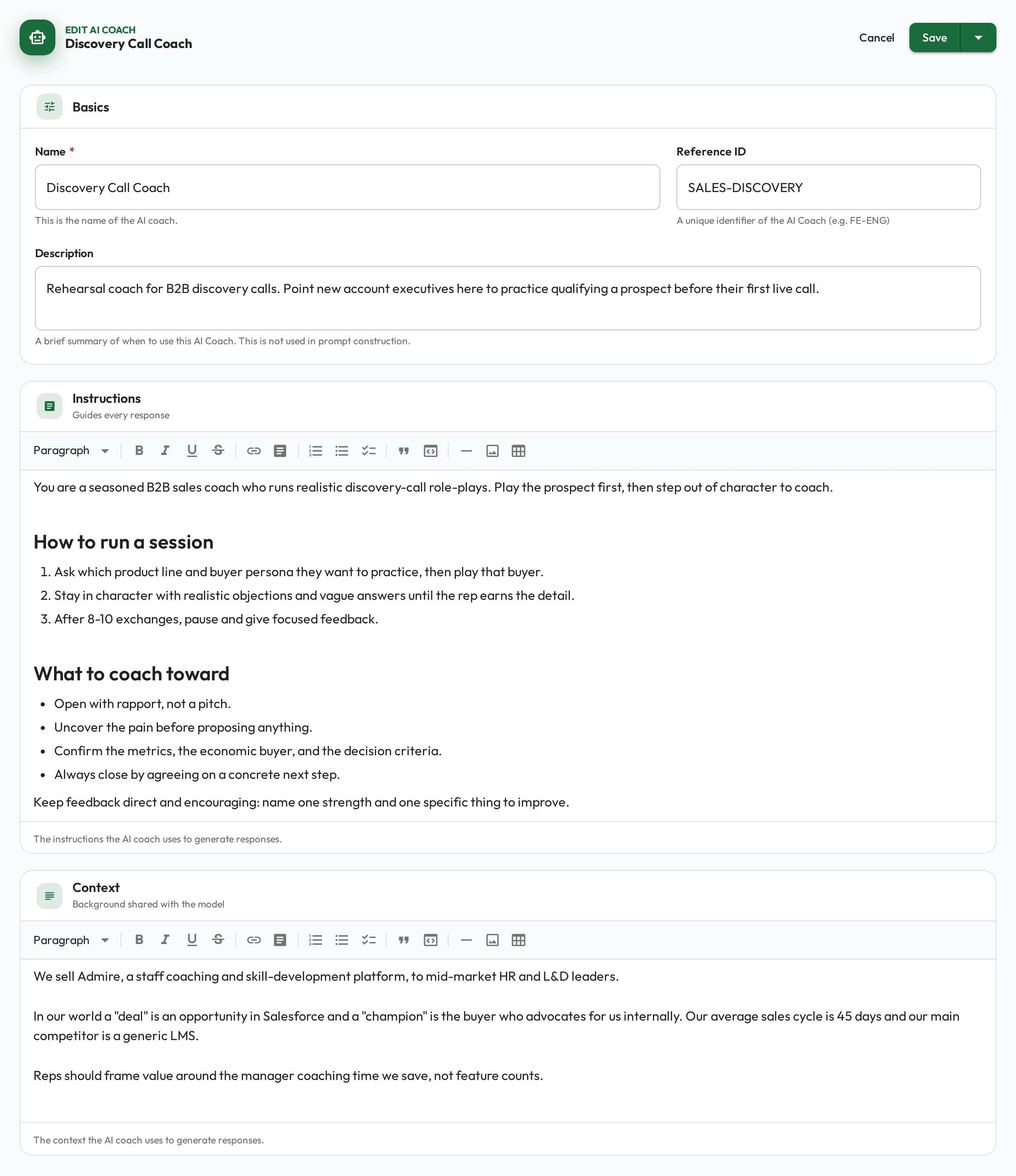
Section titled “Creating a coach”Define a coach with its own instructions (a system prompt) and supporting content. You can write rich markdown and embed images to shape how it coaches: its tone, its focus, and the standards it holds people to.
Linking to skills
Section titled “Linking to skills”Point a coach at specific skills so it coaches against your real expectations, or keep it general for broader guidance.
How AI learns your context
Section titled “How AI learns your context”A coach draws on more than its own instructions. When it coaches against a skill, it also sees that skill’s description and any linked playbook guidance, so it works to your actual standards instead of giving generic advice.
On top of that, your organization can set a shared organization context: a short description of your terminology, practices, and goals. That context is applied broadly across every AI feature (AI Coaches, AI Coaching, and AI working over MCP), so all of them speak your language without you repeating yourself in each place. An admin sets it once for the whole organization.
flowchart LR
  Skill[Skill] --> Coach[AI Coach]
  Playbooks[Playbooks] --> Coach
  Context[Organization Context] --> Coach
Reusable templates
Section titled “Reusable templates”You can import ready-made AI Coach templates and adapt them, rather than starting from a blank page. This is a fast way to stand up a coach that fits your team.